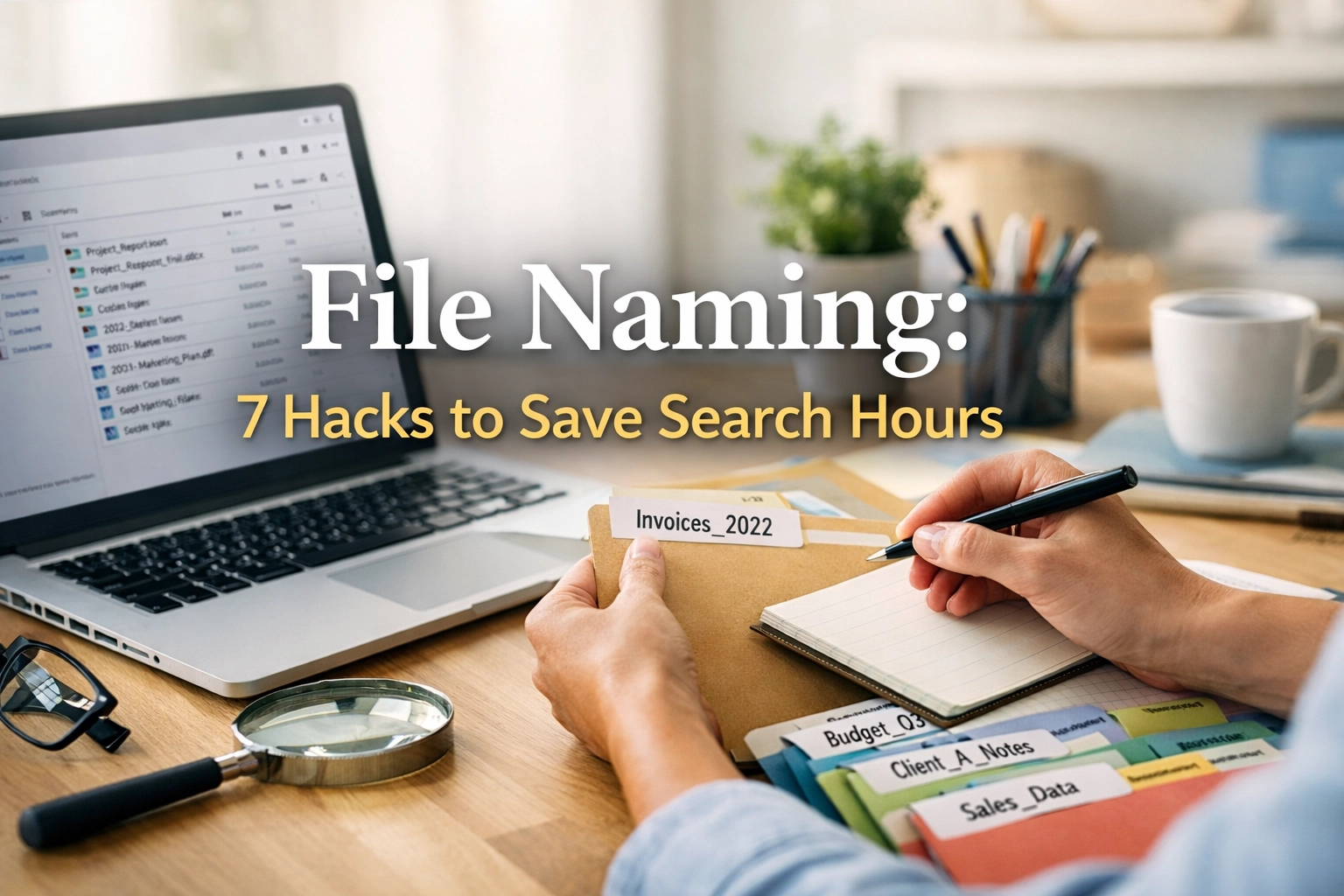
File Naming: 7 Essential Proven Hacks to Save Agonizing Hours
You are paying your team to be digital archaeologists instead of service providers. Every time an office manager or a technician spends ten minutes digging through a digital folder for a specific permit, a previous invoice, or a site photo, you are flushing money down the toilet. It is a slow, agonizing drain on your profitability that most business owners ignore because they think it is just part of doing business in the digital age.
If you cannot find a file within five seconds, your system is broken. If your office staff has to ask you where a specific contract is located, your system is broken. If you have files named “New Proposal” and “New Proposal FINAL” and “New Proposal FINAL v2” sitting in the same folder, you are operating in a state of professional negligence.
There is a better way. Stop letting digital clutter dictate the speed of your operations.
The High Cost of Search Friction
Search friction is the resistance your team feels when they try to retrieve information. In a fast-moving field service business like HVAC or plumbing, friction is a silent killer. When a dispatcher cannot find the historical maintenance record for a recurring client, they miss the opportunity to suggest necessary upgrades. When a roofing estimator cannot locate the original drone shots from a site visit, they have to drive back to the location, wasting fuel and billable hours.
File naming is not a task for when you have extra time. It is the foundation of your administrative infrastructure. Without a strict file naming protocol, your digital storage becomes a graveyard where important data goes to die. You might think that search bars in Windows or Google Drive are enough to save you. They are not. Relying on a search bar is a reactive strategy. A robust file naming system is a proactive strategy that ensures order even before the search begins.
At YROS, we see this chaos every day in small businesses across the country. Owners come to us overwhelmed and drowning in admin work. They think they need more staff, but often they just need better systems. Proper file naming is one of the lowest-hanging fruits for increasing efficiency and reclaiming your sanity.
Hack 1: The ISO 8601 Date Standard
The biggest mistake business owners make with file naming is using the standard American date format. If you name a file 04-01-2026, it will not sort chronologically in a list of other files from the same year. Computers read names from left to right. If you have files from January, February, and March, they will be scattered based on the first digit rather than the actual progression of time.
You must adopt the YYYY-MM-DD format. This is the international standard for a reason. It forces every computer system to sort your documents in the exact order they were created or modified. 2026-04-01 will always follow 2026-03-31. This simple shift in file naming logic allows you to scan a list of hundreds of files and immediately identify the most recent version of a document without checking the “Date Modified” column, which can be easily corrupted by minor edits.
For a commercial cleaning company or a pest control business with hundreds of recurring service reports, this is non-negotiable. Imagine looking for a service report from two years ago. With the YYYY-MM-DD file naming convention, you scroll to the 2024 section and find it instantly. Without it, you are clicking through dozens of folders hoping the metadata is still accurate.

Hack 2: Leading with the Primary Identifier
A common trap is naming files based on the type of document first. If you have twenty files that all start with “Invoice,” you have created a visual wall of text that is impossible to navigate. When you are looking for a specific client’s records, you should not have to sift through every invoice your company has ever generated.
Effective file naming starts with the primary identifier. For most field service businesses, this is the client name or the job number. For example, “Johnson-Residential-Invoice-2026-04-01” is infinitely better than “Invoice-Johnson.” By putting the client name first, you group all documents related to that specific entity together.
This allows your office support staff to quickly identify the entire history of a project. Whether they are looking at a folder or a global search result, the file naming structure tells a story. It tells them who the file is for, what the file is, and when it happened. If you are a landscaping business managing multiple crews, this level of clarity prevents the wrong crew from showing up at the wrong site with the wrong work order.
Hack 3: Eliminating the “Final” Version Trap
The word “final” is a lie. In business, documents are living entities. A contract might be “final” until a change order is signed. A budget might be “final” until the price of copper spikes. When you name a file “Contract-FINAL.pdf,” you have painted yourself into a corner. When the next version inevitably comes, you end up with “Contract-FINAL-v2.pdf.”
Stop using the word “final” in your file naming process. Instead, use a versioning system. Start every draft with v01. The next iteration is v02. This acknowledges that the document is part of a sequence. It removes the ambiguity of which file is actually the latest.
In the Wild: An electrical contractor in St. Louis, let us call him Mike, was preparing a bid for a massive commercial renovation. He had three different versions of the quote. One was on his desktop, one was in a shared folder, and one was in his sent emails. He named the one in the shared folder “Commercial-Project-Bid-FINAL.”
Two days later, he made a 10% price adjustment but forgot to update the filename. On the day of the presentation, he opened the “FINAL” file, not realizing it was the outdated, lower-priced version. He won the bid based on the wrong numbers and lost nearly twenty thousand dollars in profit because he could not track his own revisions. The lack of a disciplined file naming system turned a win into a financial disaster.
The Fix: You do not need better memory, you need a versioning protocol. Use v01, v02, and so on. Only when a document is signed and legally binding should it be moved to a “Executed” folder, but even then, the file naming should include the date of execution, not just a generic tag.
Hack 4: The Strict Use of Underscores and Hyphens
Spaces are the enemy of digital stability. While modern operating systems handle spaces better than they used to, many web-based tools, CRM platforms like ServiceTitan, and older backup systems struggle with them. A file named “Client Name Invoice 2026.pdf” often becomes “Client%20Name%20Invoice%202026.pdf” when uploaded to a portal. This makes the file naming unreadable and breaks search functionality.
You must train your team to use underscores (_) to separate different categories of information and hyphens (-) to separate words within those categories. For example, “Johnson-Construction_Invoice_2026-04-01.pdf.” This creates a clear visual hierarchy.
This level of precision in file naming might seem like overkill, but it is about building a system that scales. As you grow and start utilizing more complex software for project management or automated billing, these clean file names will save you from technical glitches that could lock you out of your own data.
Hack 5: Standardizing Industry Abbreviations
Long file names get truncated in many views, hiding the most important information at the end of the string. To combat this, you need a company-wide dictionary of approved abbreviations. If one person uses “INV” for invoice and another uses “INVO,” your file naming consistency disappears, and your search results will be incomplete.
Create a simple one-page guide for your administrative staff. It should list the standard abbreviations for your specific trade. For an appliance repair business, this might include:
- EST for Estimate
- WO for Work Order
- PH for Photos
- PRMT for Permits
- CON for Contract
When every file naming entry follows these rules, your digital office becomes predictable. Predictability is the parent of speed. When a remote professional from YROS steps in to help manage your back office, they can immediately understand your filing system because it follows a logical, abbreviated structure.

Hack 6: The Breadcrumb Method for Folder Structures
File naming does not exist in a vacuum. It is part of a larger ecosystem of folders. However, many owners over-complicate their folder structures, creating a “nesting doll” effect where you have to click through ten folders to find one document. This is just as bad as having no system at all.
The breadcrumb method involves keeping your folder depth to a maximum of three or four levels and letting the file naming do the heavy lifting. Instead of a folder path like “Clients > 2026 > Residential > Johnson > Invoices > April,” use a flatter structure like “Clients > Johnson > Invoices.” Inside that folder, the file naming “Johnson_INV_2026-04-01” tells you everything you need to know.
This approach makes it much easier to move files or share them with third parties. If you send a file to a customer, they do not see your folder structure, but they do see the file name. A professional, clearly named file increases their confidence in your business. It shows that you are organized and attentive to detail, which is exactly the image a high-end plumbing or HVAC company should project.
Hack 7: Delegating the Maintenance of the System
The hardest part of file naming is not creating the rules; it is following them every single day. As a business owner, you are busy. You are in the field, you are closing deals, and you are putting out fires. You might start with the best intentions, but by 3:00 PM on a Tuesday, you are dragging files onto your desktop with names like “asdfgh123.jpg.”
You should not be the one maintaining this system. You need a dedicated person whose job is to audit your digital storage and ensure every document is correctly filed and named. This is the difference between a business that runs on tribal knowledge and one that runs on systems.
At YROS, our remote professionals are trained to act as the gatekeepers of your digital office. We do not just answer phones; we manage the administrative infrastructure that allows your business to breathe. When a technician uploads a blurry photo of a water heater with a generic name, a YROS specialist identifies it, renames it according to your protocol, and files it in the correct client folder. You never have to worry about the “digital junk drawer” ever again.
Why Technical Logic Beats Intuition
Most people name files based on how they feel in the moment. They name a file “Current Project” because, at that moment, it is the only project they are thinking about. But six months from now, that name will be meaningless. Human intuition is a terrible tool for organization. You need a technical, logic-based system that remains clear regardless of how much time has passed.
A standardized file naming system removes the cognitive load of decision-making. When your office staff knows exactly how a file must be named, they do not have to think about it. They just do it. This reduces decision fatigue and allows them to focus on higher-value tasks, like following up on unpaid invoices or scheduling new leads.
For businesses in the fire and security industry or water damage restoration, where documentation is often required for insurance claims or legal compliance, the stakes of file naming are incredibly high. A missing document or a mislabeled file can result in a denied claim or a lost lawsuit. You cannot afford to be “pretty sure” you can find a file. You need to be certain.

Scaling Without the Chaos
As you scale from one truck to five, or from five trucks to twenty, the volume of documentation will explode. What worked when you were a solo operator will fail when you have multiple people touching your files. If everyone has their own “unique” way of naming things, you are heading toward a catastrophe.
Standardizing your file naming is a prerequisite for growth. It allows you to onboard new employees or remote support services like YROS with minimal friction. They can step into your digital environment and understand exactly where everything is and how to contribute to the system. This level of organization is what separates the “chuck in a truck” from the professional enterprise.
If you are a contractor in Alton, Illinois, or a small business owner in St. Louis, you know how competitive the local market is. The businesses that win are not always the ones with the best tools or the lowest prices; they are the ones that are the easiest to work with. When a customer calls with a question about a job from three years ago and you can provide the answer in thirty seconds because your file naming is on point, you have earned a customer for life.
The Psychological Relief of Order
There is a visceral sense of anxiety that comes with a cluttered digital workspace. When you open your computer and see a desktop covered in icons with cryptic names, your cortisol levels rise. You know that somewhere in that mess is the information you need, but you feel the weight of the time you are about to lose searching for it.
Implementing these file naming hacks provides immediate psychological relief. When you know that your digital office is organized, you can approach your day with a sense of calm and control. You can focus on your “Deep Work” or your strategic planning because you aren’t being constantly interrupted by the “Where is that file?” tax.
This is why we focus so heavily on systems at YROS. We know that the greatest gift we can give a business owner is their time and their sanity back. We handle the repetitive, detail-oriented work of file naming and folder management so you can go back to being the CEO of your company instead of its file clerk.
Implementing the Change Today
Do not try to fix every file you have ever created. That is a recipe for burnout. Instead, draw a line in the sand. Starting today, every new file created must follow the new file naming protocol.
- Pick your date format (YYYY-MM-DD).
- Define your primary identifier (Client Name or Job ID).
- Create your list of standard abbreviations.
- Set the rule for underscores and hyphens.
- Ban the word “final” and implement versioning (v01, v02).
Communicate these rules to your team. Explain the “why” behind it: show them how much time they are currently wasting and how this change will make their lives easier. And most importantly, assign someone to be the enforcer of these rules.
If you don’t have anyone on your current team who has the bandwidth or the attention to detail to handle this, that is where YROS comes in. We provide the high-level administrative support that small businesses need but often think they cannot afford. Our team specializes in cleaning up these exact types of operational weaknesses.


Stop Searching and Start Operating
You did not start your business to spend your afternoons looking for PDFs. You started it to provide a service, build a legacy, and create a life of freedom for yourself. Every minute you spend in the “search vortex” is a minute stolen from that vision.
File naming is a small discipline that yields massive results over time. It is the compound effect of organization. By saving ten minutes a day across a team of five people, you are reclaiming over 200 hours of productivity a year. What could your business do with an extra five weeks of focused work?
The transition to a standardized system will be uncomfortable for the first week. People will forget the underscores. They will try to use the old date format. But if you hold the line, it will become second nature. Within a month, the search friction that has been slowing you down for years will simply vanish.
You do not need a more expensive tech stack. You do not need a faster computer. You need a better process. Start with your file naming, and watch how it transforms the way your entire office functions.
Related Blogs
- Building Systems Before You Need Them
- The Compound Effect of Small Process Improvements
- How to Delegate When You Have Always Done Everything Yourself
- From Chaos to Calendar: Scheduling Systems for Growing Contractors
- Digital Organization Systems for Small Businesses: 6 Rules That Actually Work
- Document Management Systems: Stop Losing Files and Time
- Office Systems for Trades: From Chaos to Control
- SOP Documentation Strategy: How to Standardize Everything
- Knowledge Management for Small Business Operations
- Why Your Google Drive Is Slowing Down Your Business
- Folder Structure Systems: 5 Ways to Stay Organized
- Business Documentation Systems That Scale With You
- How to Create a Centralized File System Your Team Will Use
- Version Control for Small Businesses: Stop Overwriting Work
- Naming Conventions for Business Files: What Actually Works
- Search Efficiency in Small Business Operations
- Admin Systems That Save 10+ Hours Per Week
- Document Storage Systems for Field Service Companies
- How to Eliminate Digital Clutter in Your Business
- Process Documentation: Where Most Businesses Go Wrong
- Building Repeatable Systems in Service-Based Businesses
- Internal Documentation for Remote Teams
- How to Organize Client Files for Fast Retrieval
- The Hidden Cost of Poor File Management
- Business Systems That Reduce Owner Dependence
- How to Build a Knowledge Base That Your Team Uses
- Digital Workflow Systems for Growing Companies
- Documentation Systems for Scaling Teams
- How to Audit Your File System and Fix It Fast
- Standard Operating Procedures vs File Systems: What’s the Difference
- How to Train Your Team on New Systems Without Resistance
- Administrative Systems for HVAC, Plumbing, and Electrical Businesses
- Workflow Automation Starts With Clean Data
- Why Disorganized Files Are Costing You Money
- Building Systems Before You Need Them
- The Compound Effect of Small Process Improvements
- How to Delegate Admin Work Without Losing Control
- From Chaos to Structure: Back Office Systems That Work
If you are tired of the digital headache and want to see how a professional administrative partner can organize your back office once and for all, let us talk about how we can help you find your breath again. You do not have to do this alone.
https://calendly.com/sdrobinson8/30min